Using AI as a design engineer
As a design engineer, a role that’s all about craft, thoughtfulness and creativity, I should be skeptical of AI. By definition AI is not particularly great at those things, at least for now. But despite that, I kinda enjoy using it?
Preface
When I work on something, whether it’s at Interfere (opens in a new tab) or my personal projects, I like to experiment a lot. Design engineering is a lot about trial and error and I often spend hours trying to find the “this feels right” moment.
This is where AI helps. Instead of spending hours on a concept that I’m unsure of, I try that concept out in a matter of minutes and throw it away if it doesn’t feel right.
There is an important distinction to make here though. I don’t use AI to come up with ideas or to replace my own thinking. I use it to accelerate my workflow.
It’s also very important to understand what the agent is doing. AI works best if the user is in charge and not the other way around. Don’t just blindly follow whatever the agent gives you.
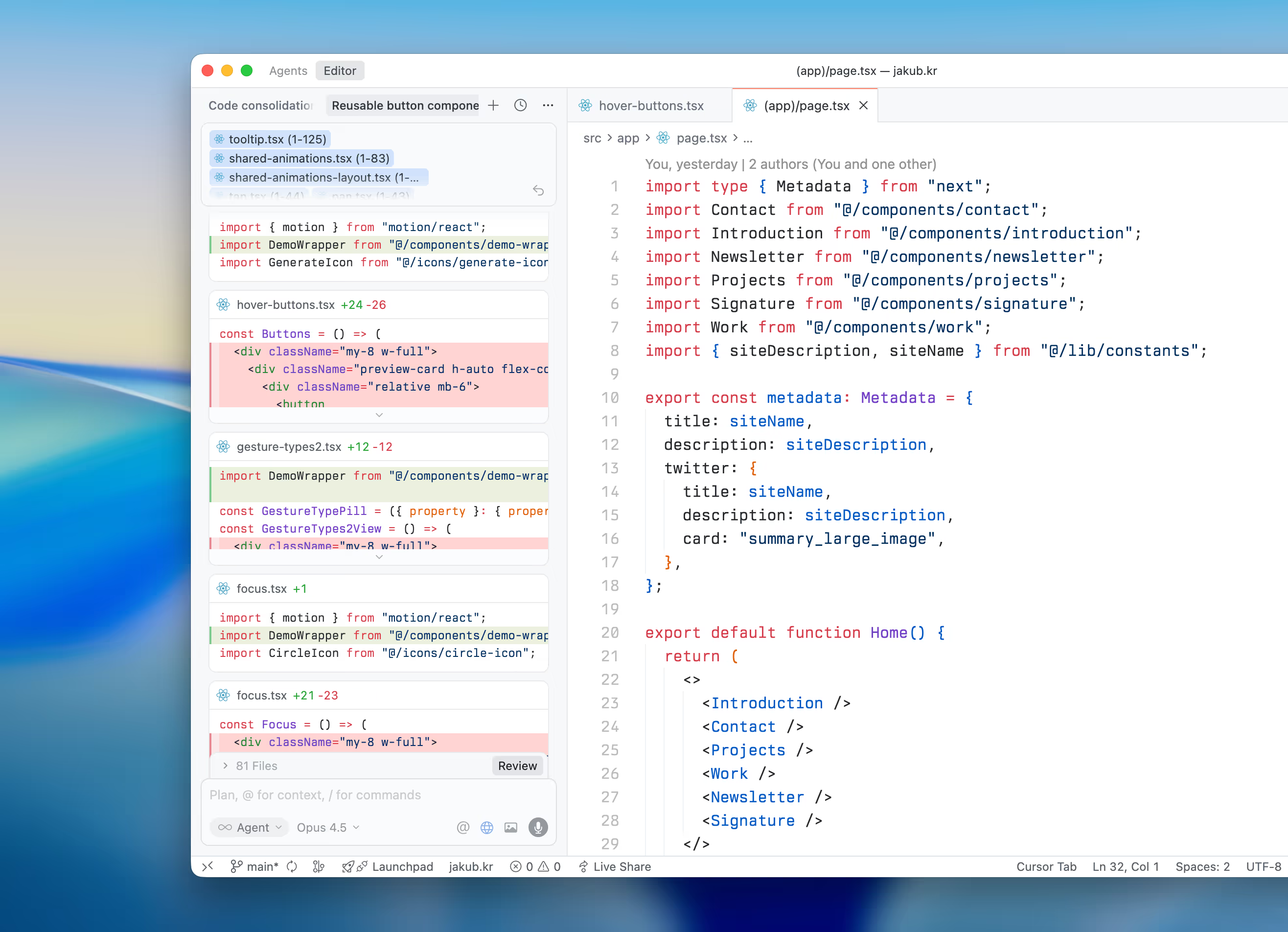
With that being said, here’s how I use AI every day as a design engineer.
Setup
Whether you are using Claude Code (opens in a new tab), Codex (opens in a new tab), Cursor (opens in a new tab) or any other agent, one of the most important things is the setup. I personally use Cursor for most of my work, so I’ll use that as an example.
The first thing I do when starting a project is create a set of rules for the codebase.
You already have a pretty good idea of how you want to do certain things. Whether it’s about using will-change, using the cn utility instead of template literals, design system usage or something else.
I like to keep rules short and to the point, often referencing other files too. This is something that is recommended by Cursor in their blog (opens in a new tab).
Copying someone else’s rules and using them without understanding what they actually do isn’t all that great. If you’re going to copy rules, I’d recommend understanding them first.
Humans can remember a lot of context across many different conversations. When talking to AI we sometimes assume it thinks the same way, but it doesn’t.
That’s why when I start a conversation with an agent, I always assume it has no context and that tends to lead to the best results.
Depending on the project, I use different sets of rules. For this website, for example, I have a couple which are about animation performance, the React Compiler, using the cn util instead of template literals and the design system.
All of these save me a great amount of time, since I don’t have to describe these things every time I talk to an agent and I can always reference them in my prompts.
In addition to my own rules, ui-skills (opens in a new tab) and Vercel Web Interface Guidelines (opens in a new tab) are great too. Motion (opens in a new tab) also has a great set of rules that come with the plus (opens in a new tab) subscription and Tailwind CSS (opens in a new tab) provides a set of rules when you become a sponsor.
Commands
In addition to rules, I also use a couple of commands. The first one is /deslop, which Eric (opens in a new tab) from Cursor shared on X (opens in a new tab). Depending on the codebase, I also create custom ones.
For example, at Interfere (opens in a new tab) we have a custom /review command that compares the PR against specific rules that we follow in the codebase.
Models
I’m not an expert on models by any means, but I’ve tried a bunch of them and at the time of writing this article, I use Claude Opus 4.5 (opens in a new tab) as my daily driver. It is pretty fast and for the majority of the things that I use it for, it does a great job.
Figma MCP
When it comes to building UI, the Figma MCP (opens in a new tab) has been a game changer for me. At Interfere (opens in a new tab) we’re currently at a point where a lot of UI needs to be built.
I’ve always been hesitant to use AI for building out UI since I wanted to have full control over every little detail and I thought it would always take longer to build out UI with AI and then polish it, instead of doing it myself.
However, I tried it with Opus 4.5 for the first time a couple of weeks ago and I was pleasantly surprised. If your rules are set up well, the output is surprisingly good.
Don’t get me wrong, it’s not perfect by any means, but building out the scaffolding for complex screens with a lot of components is way faster.
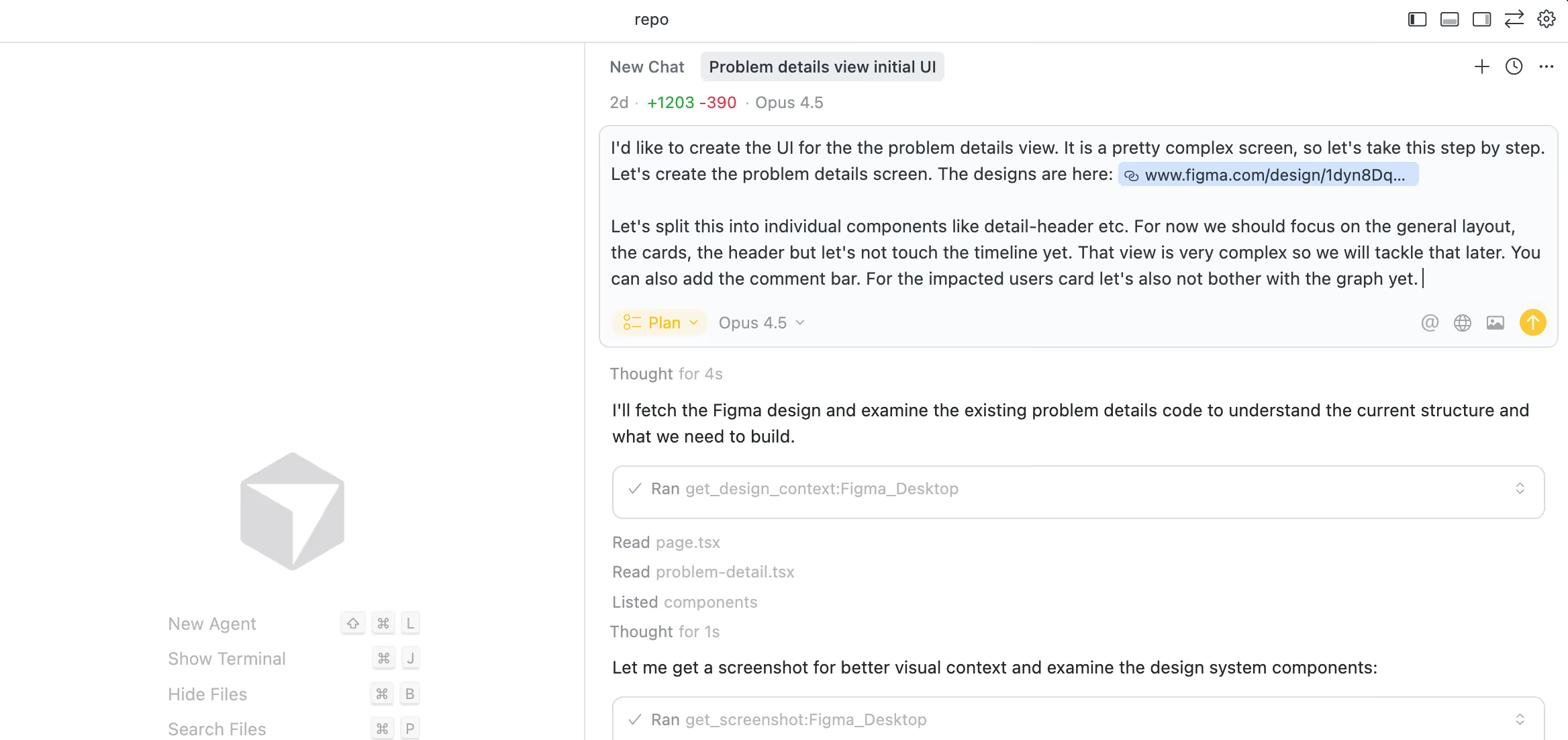
You can see that the prompt I used is not very technical. This has generally worked pretty well for me when it comes to building out UI scaffolding, partially because the codebase rules are set up well.
Once the scaffolding is built, I start tweaking, polishing and animating.
I can’t stress enough how important it is to actually understand what the agent is doing. If you don’t understand, ask the agent to explain.
Agent modes & prompting
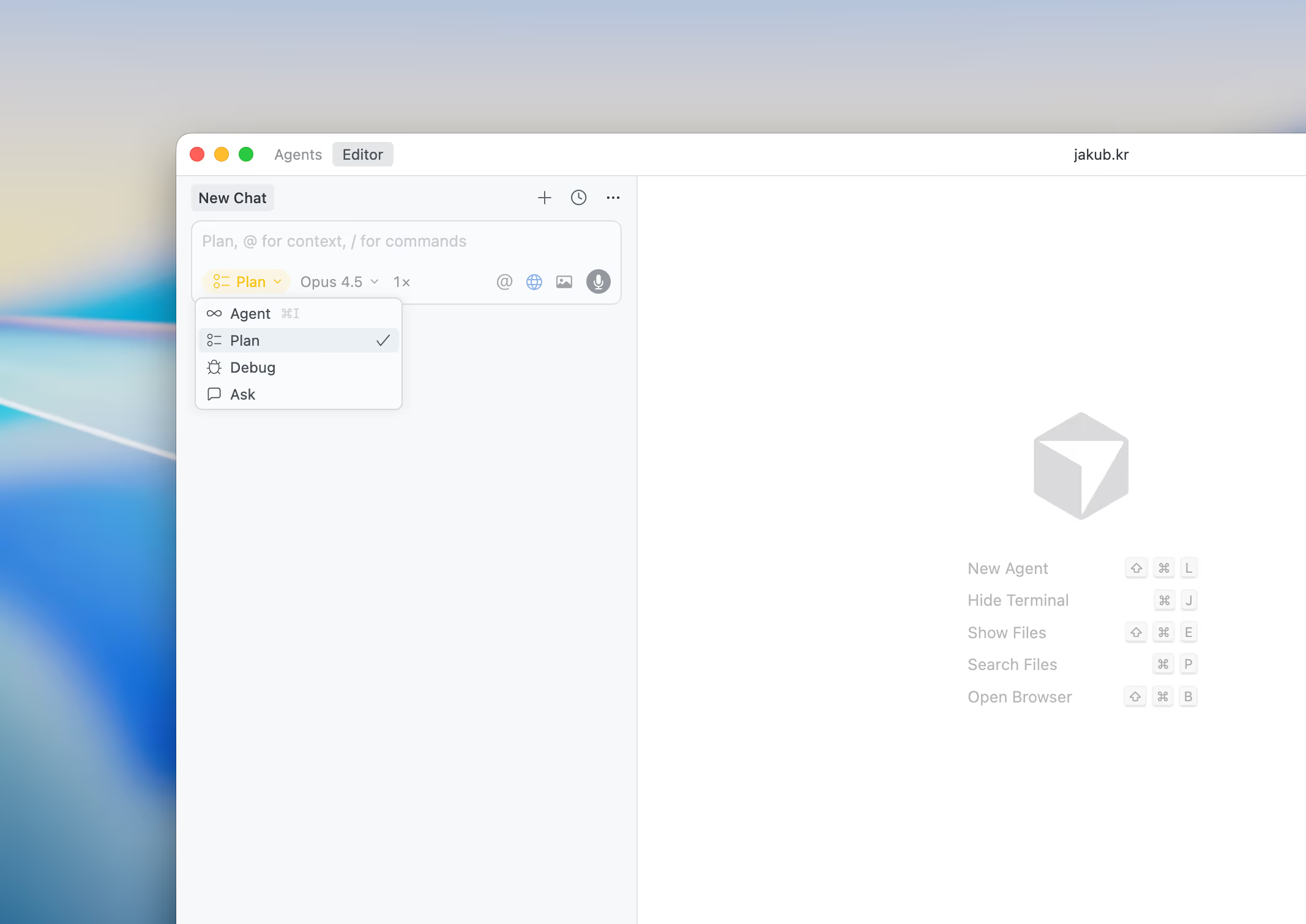
Cursor also offers different modes. They are great and I use all of them, but outside of Agent mode, the one I use the most is Plan mode.
When I work on a bigger feature, the difference between using Plan mode and not using it is pretty significant.
Another thing that helps a lot is structuring prompts. Structuring your prompt into multiple smaller ones makes the output much better and is also way easier to follow.
MCPs
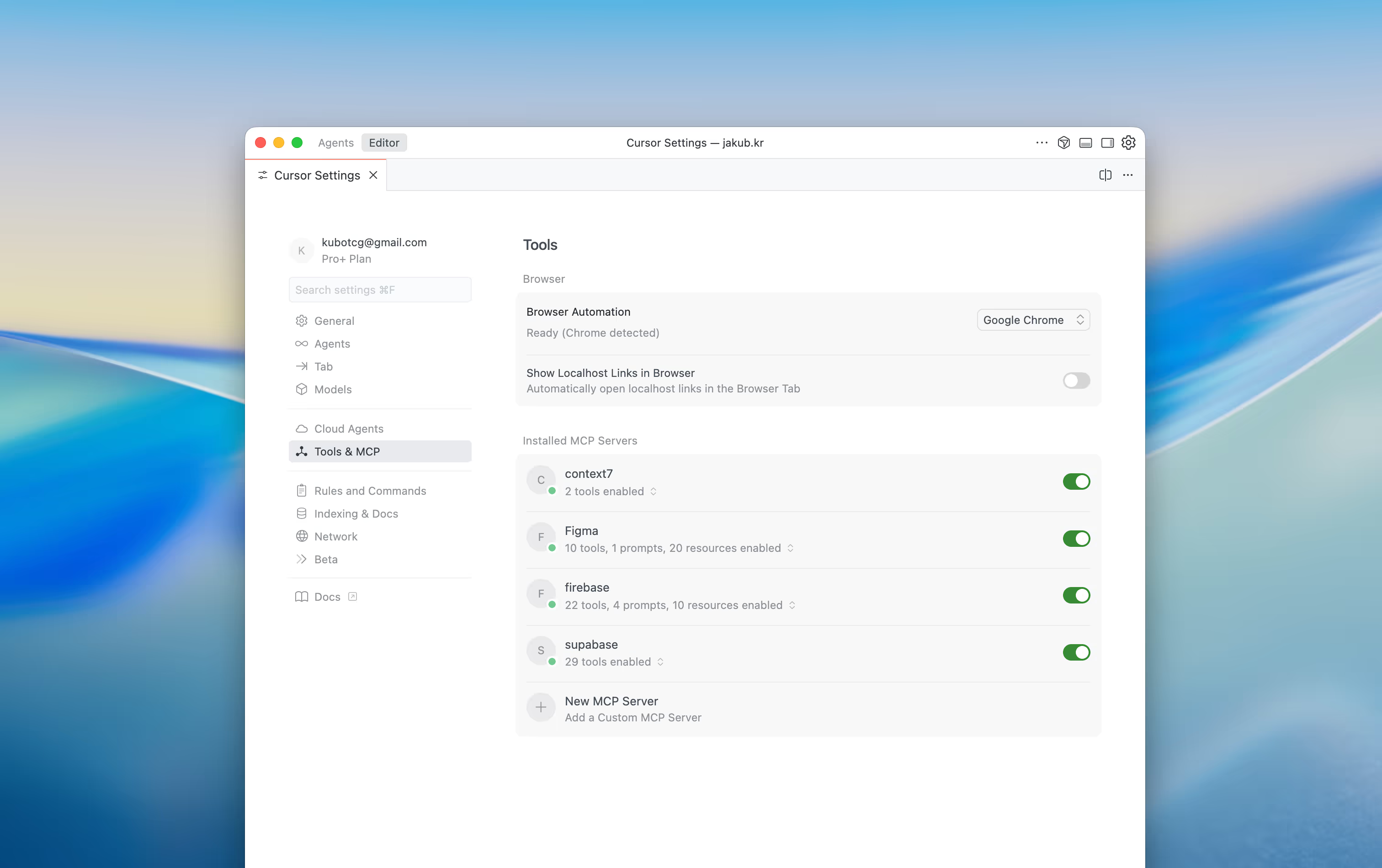
Outside of the Figma MCP, there is only one more that I use on a daily basis and it is context7 (opens in a new tab). It fetches the most up-to-date documentation for the libraries and frameworks I work with.
These can often be outdated in the LLM training data, so it’s pretty useful.
CLI
In terms of using the CLI, I tried Claude Code (opens in a new tab), Codex (opens in a new tab), Cursor CLI (opens in a new tab) and OpenCode (opens in a new tab).
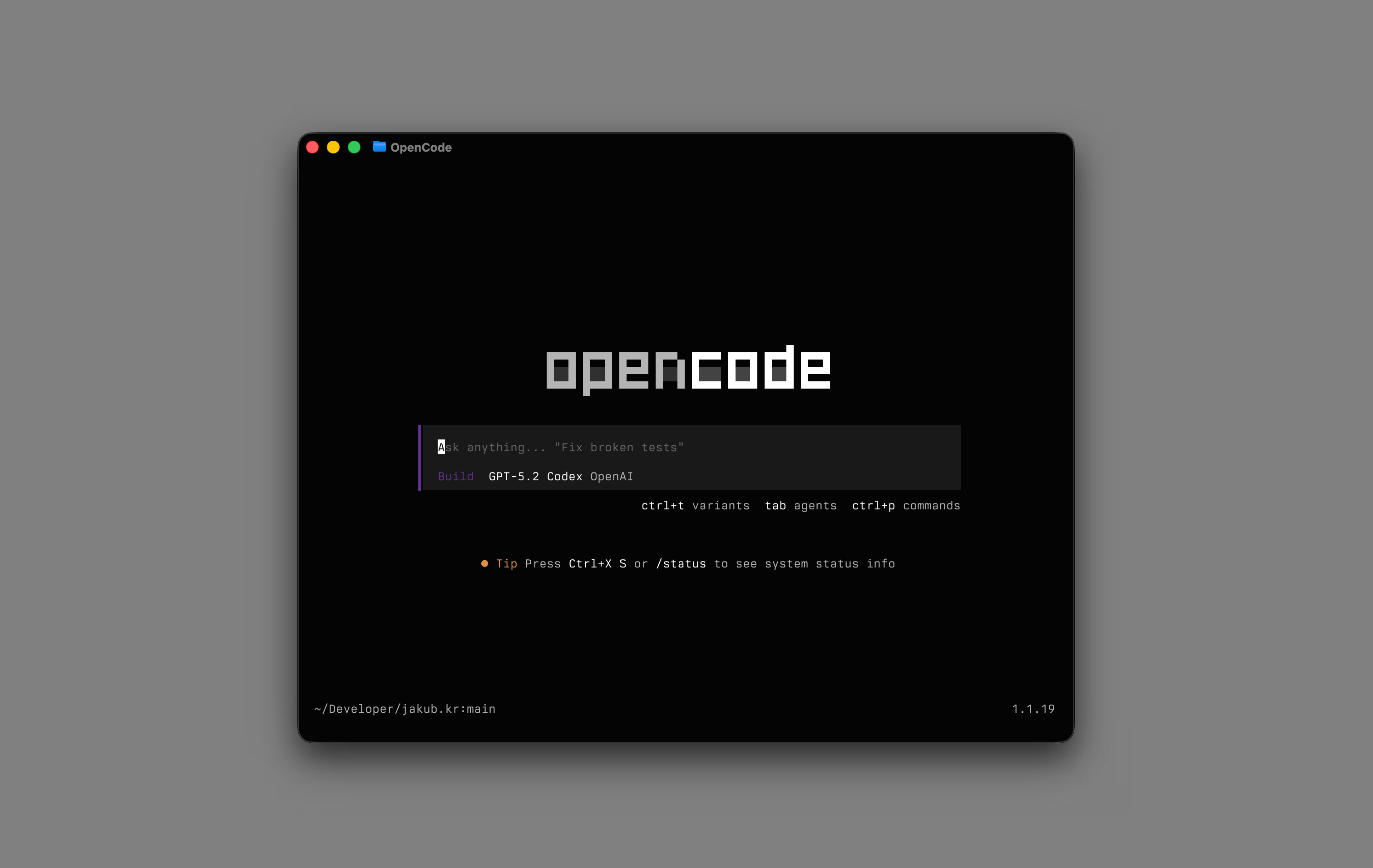
They are all pretty good, with Claude Code (opens in a new tab) being my favorite. I mix and match between using an IDE and a CLI, but I’ve been using the CLI more and more lately.
I find CLIs to be much better at bigger tasks than IDEs or their web counterparts, so I mostly use them for that.
Code review
My code review setup is pretty basic. I have Codex set up to review any pull request I make. This way I also leverage my OpenAI subscription. I also use the Vercel agent (opens in a new tab), but I mostly use it for bigger PRs.
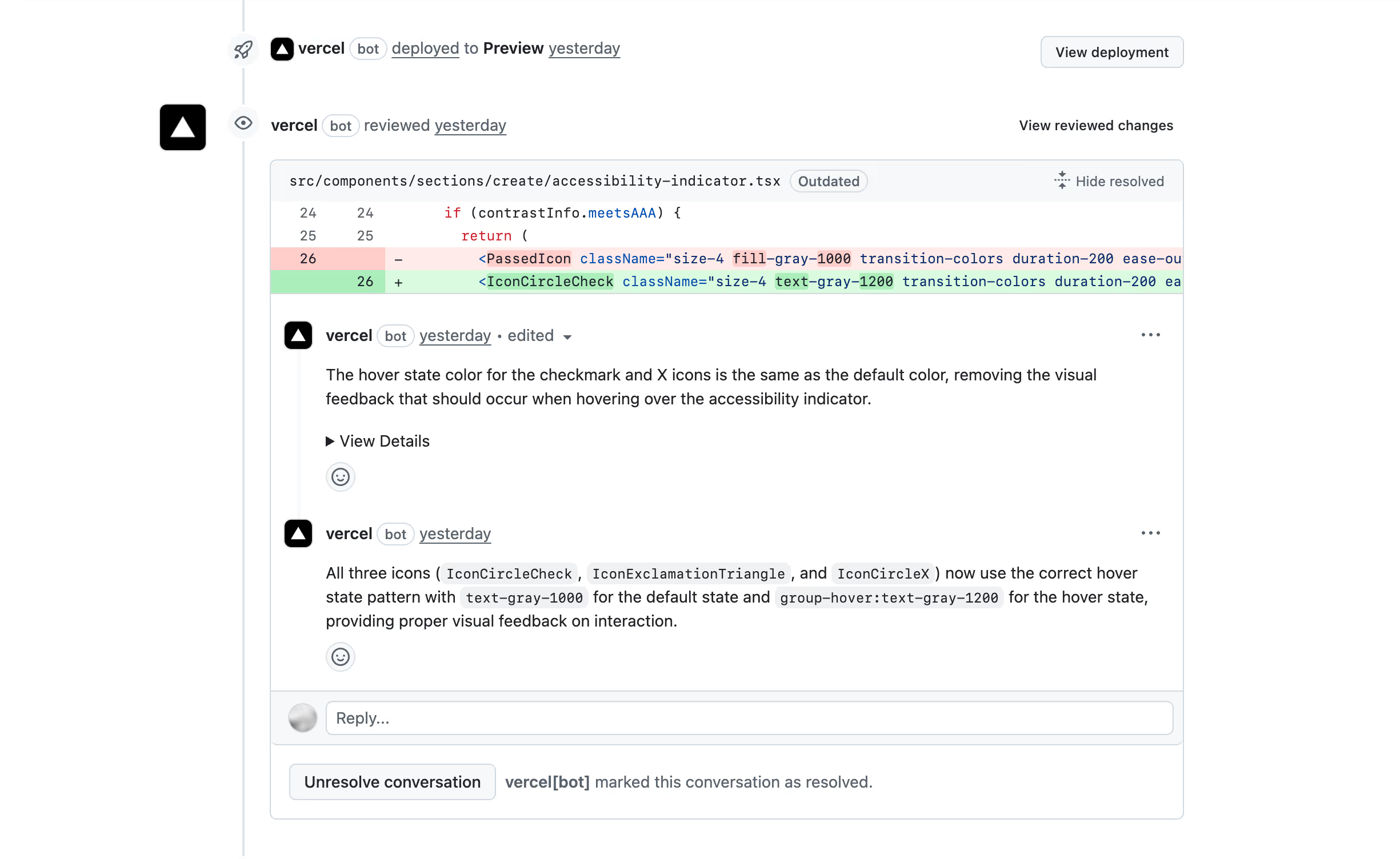
Not crucial by any means, but having another layer of code review is always nice.
Writing less code
Another part of my workflow where I leverage AI a lot is writing less code. Not in the sense that AI writes the code for me and therefore I write less code, but in the sense that less code is written to achieve the same thing.
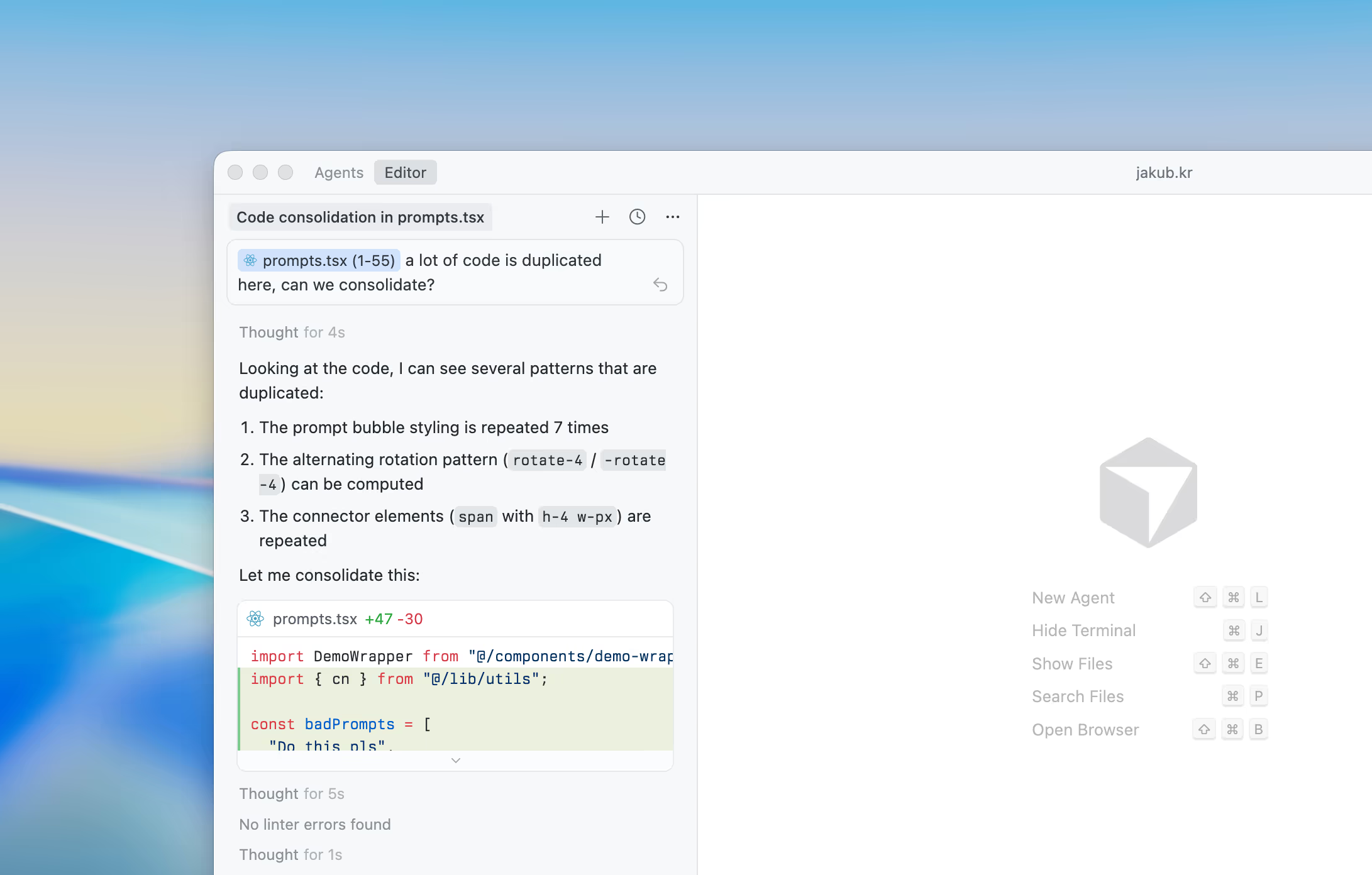
Sometimes you write the same code multiple times across the codebase and it’s difficult to keep track of all of these duplications. AI is great at finding them and extracting them into shared components/utilities.
For example, last week I learned that the icon set (central icons (opens in a new tab)) that I use on this page has an npm (opens in a new tab) package. Up until then I had been defining icons manually, so I wanted to migrate.
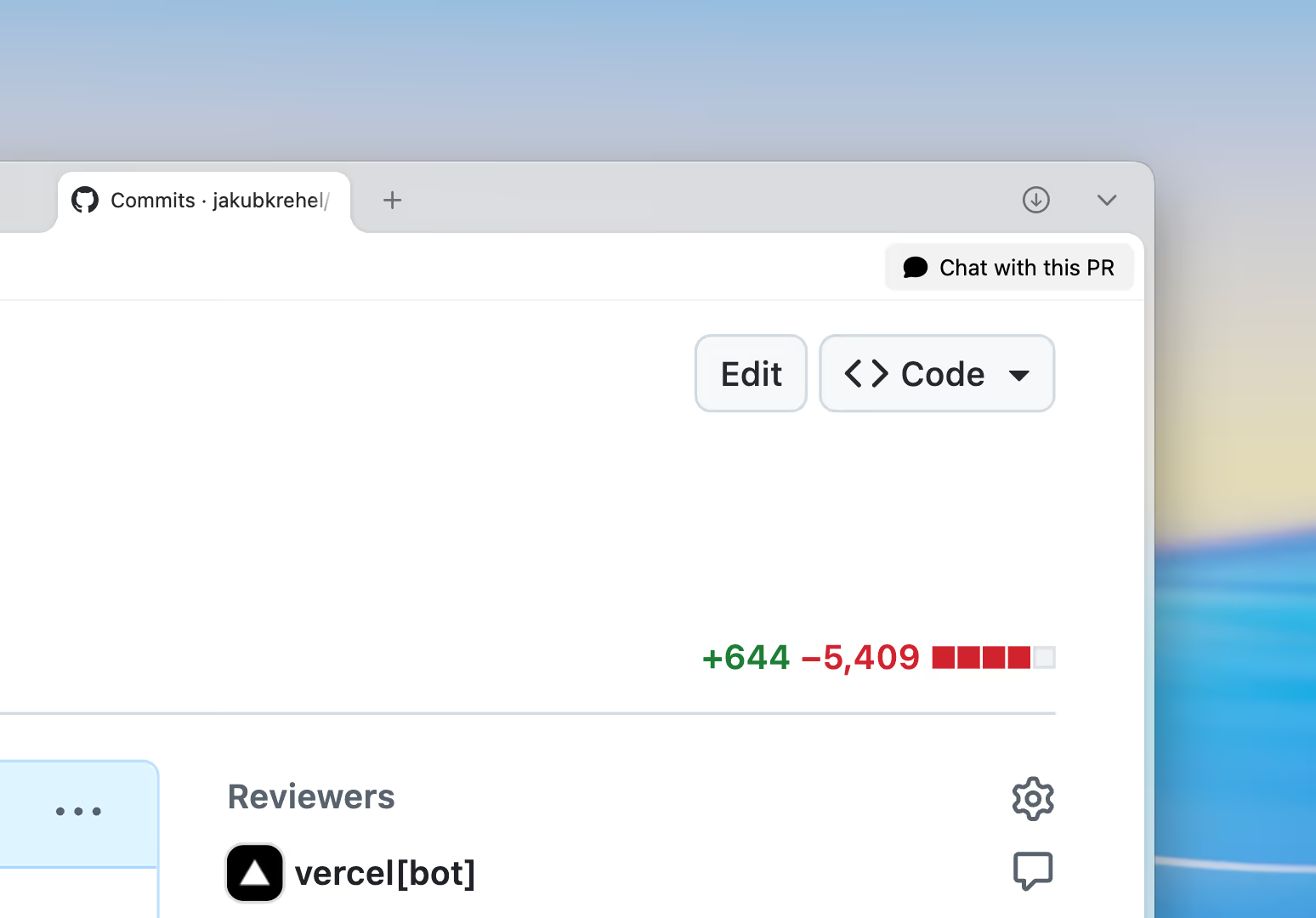
This is a pretty tedious task to do manually, because you have to replace imports and delete files. I didn’t really have time to do it. I figured, why not ask Claude to do it for me? It needed a bit of help here and there but it did pretty well.
Now my codebase has ~5000 fewer lines of code but the same functionality. These are the kinds of tasks I like using AI for the most.
Other
There are also other aspects, not strictly related to code, where I use AI. For example, all of the images in this component were generated by ChatGPT.








Conclusion
AI has changed the way I work on a day-to-day basis. On the one hand it’s fantastic. You can get things done faster and experiment more than ever.
On the other hand, there is also more slop than ever. Handing off everything you do to an agent and outsourcing your thinking can hurt you in the long run. That’s why I always try to use AI to only accelerate bits and pieces that are tedious or time-consuming but never to replace my thinking.
With such a vast amount of knowledge at our fingertips and the barrier to entry being lower than ever, quality and craft will matter more than they ever have. Design and user experience will become the product (opens in a new tab).
I recommend watching this video (opens in a new tab) by Lee Robinson (opens in a new tab), it covers a lot of the concepts outlined in this article.
More
If you enjoy articles like this and want to learn more, take a look at Interfaces, my design engineering magazine.
It’s where I share everything I know about building great interfaces. From animation and typography to performance and accessibility.